

My Talking Pet Photos P2Talk
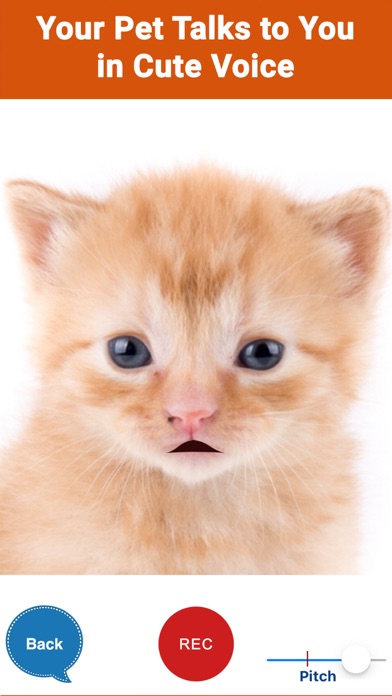
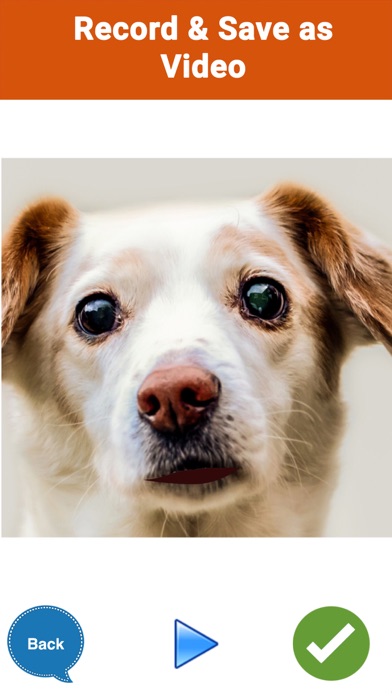
Record a message and watch your pet's photo come alive and talk
Screenshots

About P2Talk
P2Talk — short for Pets Too Talk — is the talking pet app that finally lets your cat purr out a birthday greeting or your dog woof a good-morning message. Pick any snap of your pet, record what you want it to say, and watch the photo come alive, speaking your words in an adorable voice. It is the easiest way to make my-pet-talk moments you will want to share.
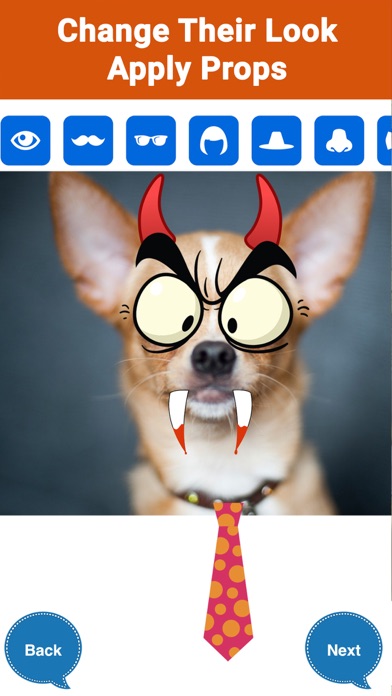
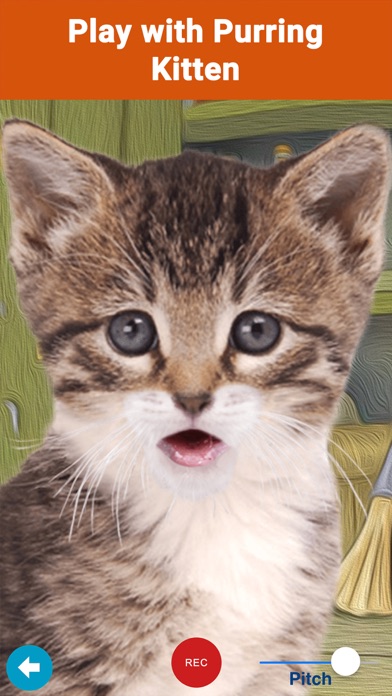
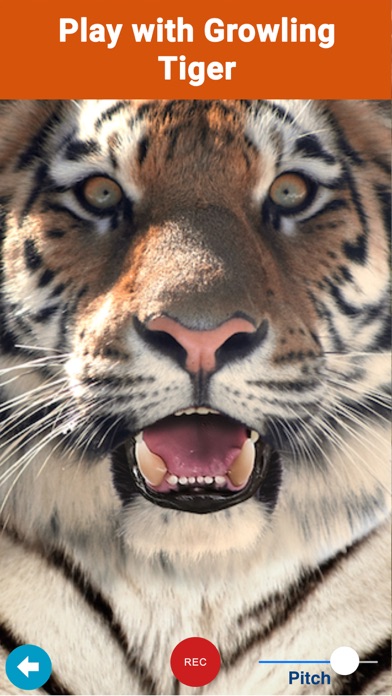
There is more to play with than a single trick. Dress your pet up with props — googly eyes, wigs, glasses, stickers and more — so it looks the coolest before it opens its mouth. Two built-in characters, a Kitten and a Tiger, repeat everything you say for instant giggles. And since any picture can speak, P2Talk doubles as a talking photo app for your human friends too.
Pet parents, kids, and anyone who has ever wondered what their dog would sound like will feel at home here. Rated 4.4 stars by more than 1,500 users, P2Talk is pure, silly entertainment — download it free and give your pet a voice.
Key features
Make any pet photo talk
Use any snap of your dog or cat, record a message, and watch the picture come alive in a cute voice.
Dress-up props
Add eyes, wigs, glasses, stickers and more to make your pet look the coolest before it speaks.
Kitten and Tiger characters
Two built-in characters repeat whatever you say, ready for instant fun with no photo needed.
Works with any picture
Pets Too Talk means any photo can speak — use it with your furry friends or your human ones.
How to use P2Talk
Download P2Talk from the App Store
P2Talk is free to download and works on iPhone and iPad running iOS 9 or later.
Pick a photo of your pet
Choose any snap of your dog, cat or even a human friend — any picture can speak in P2Talk.
Record your message
Say whatever you want your pet to say, then watch the photo come alive and talk in a cute voice.
Add props and have fun
Dress the photo up with eyes, wigs, glasses and stickers, or let the built-in Kitten and Tiger repeat after you.
Frequently asked questions
How does P2Talk make my pet's photo talk?
You pick any photo of your pet, record a message, and P2Talk animates the picture so it appears to speak your words in a cute voice. It works with cats, dogs and any other photo you choose — the name stands for Pets Too Talk.
Is P2Talk free to use?
P2Talk is free to download from the App Store and you can start making talking pet photos right away. Some premium features may be offered inside the app.
Does P2Talk work offline?
The talking-photo animation runs on your device from a photo and a voice recording, so you can generally use it without a connection. You will need internet access to download the app in the first place.
Can I use photos of things other than pets?
Yes. Any picture can speak in P2Talk, so you can make talking photos of your friends and family too — not just your furry companions. It is strictly for entertainment, and it is very good at that.
What are the Kitten and Tiger characters?
P2Talk includes a Kitten and a Tiger who repeat whatever you say, so you can start playing immediately without picking a photo. Kids especially love talking to them and hearing their words echoed back.
Which devices does P2Talk support?
P2Talk runs on iPhone and iPad running iOS 9.0 or later. An Android version is planned — check back on this page for the Google Play link.
Get P2Talk today
Free to download — join the users who already love it.