

Lovely Selfie Filters PicVi
Live selfie filters you can stack for the perfect lovely shot
Screenshots
About PicVi
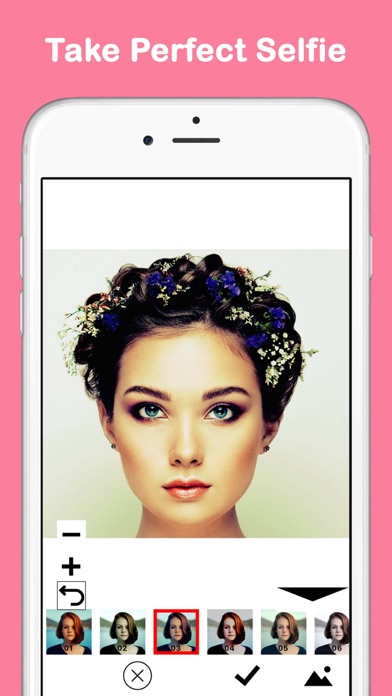
PicVi is the selfie camera that shows you the finished shot before you take it. Every filter previews live in the camera view, so you can pose, adjust and shoot knowing exactly how the portrait will turn out — no more taking twenty photos hoping one looks right.
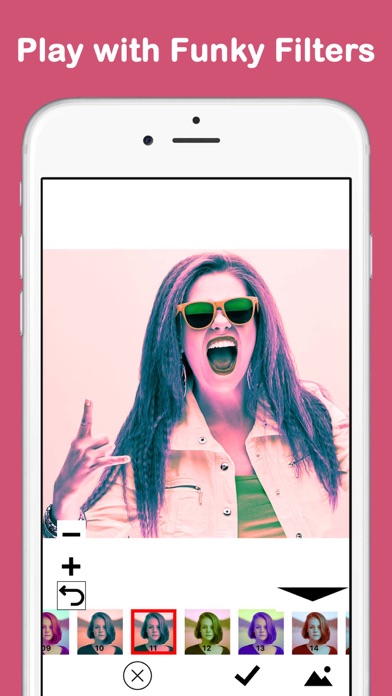
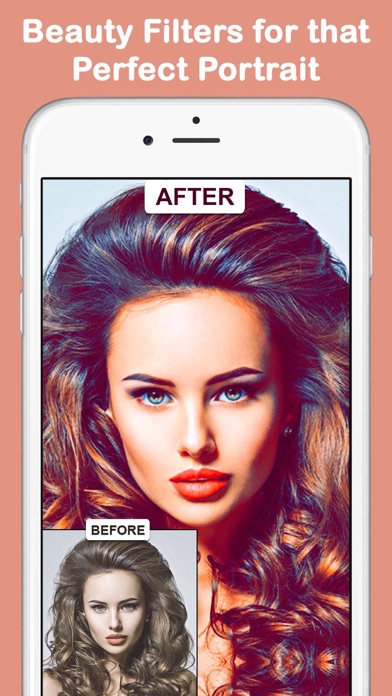
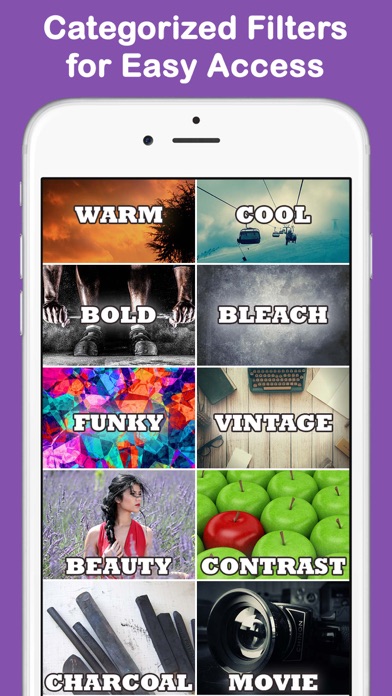
Twelve categories of filters — Beauty, Vintage, Mono, Bold, Cool, Warm, Funky, Movie, Charcoal and more — are organized for quick browsing, and you can stack multiple filters to invent an effect that’s entirely your own. PicVi works on video too, and doubles as an editor for photos and movies already in your camera roll, then shares straight to chat, Instagram or any social platform.
If you’re chasing the perfect profile picture, polishing shots for a dating app, or just love sharing lovely selfies, PicVi makes every photo social-media ready.
Key features
Live filters before you shoot
See every filter applied in real time in the camera view, so you nail the perfect portrait on the first try.
Stack multiple filters
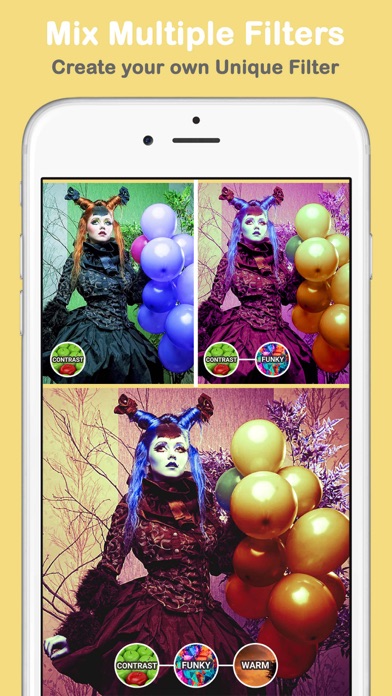
Combine filters to create your own unique effect — the possibilities for photos and videos are endless.
12 filter categories
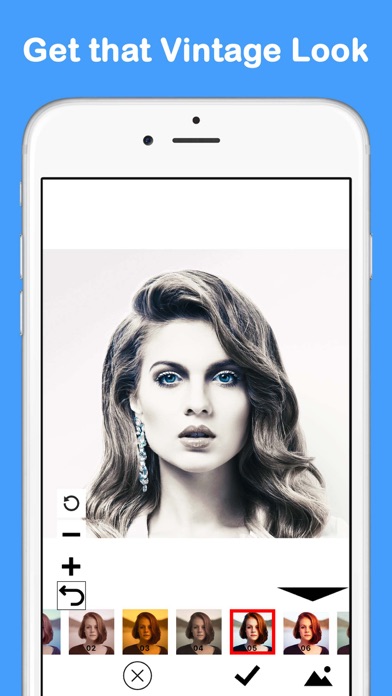
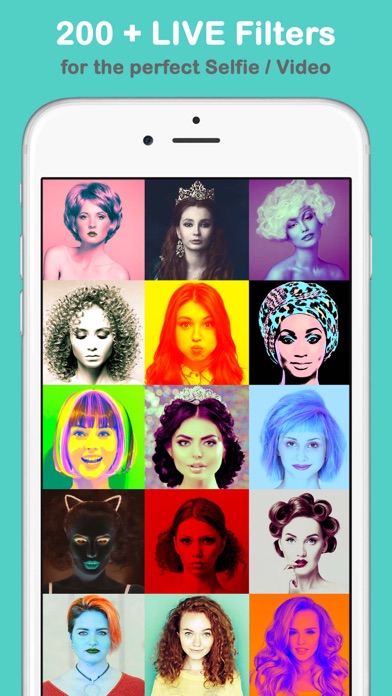
Browse Beauty, Vintage, Mono, Bold, Cool, Warm, Funky, Movie, Charcoal and more, neatly organized for quick access.
Edit photos and videos from your camera roll
PicVi doubles as an editor, applying its filters to pictures and movies you've already taken.
How to use PicVi
Download PicVi from the App Store
PicVi is free to download and works on iPhone and iPad running iOS 9.0 or later.
Open the camera and browse filters
Flip through categories like Beauty, Vintage and Mono — each filter previews live before you snap or record.
Stack filters to build your look
Apply multiple filters together to create a one-of-a-kind effect for your photo or video.
Snap, record and share
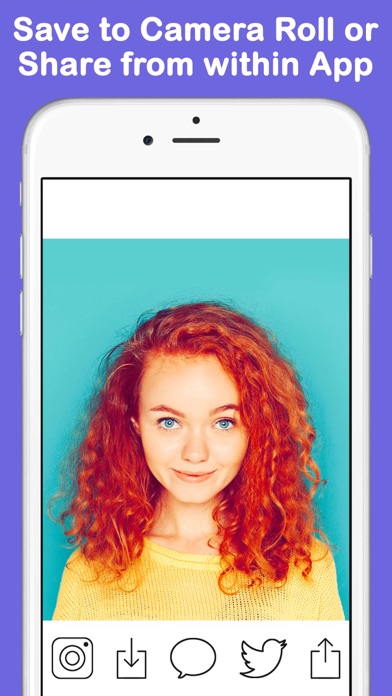
Capture your selfie or clip, then share it directly from the app to chat, Instagram or other social platforms.
Frequently asked questions
How good are PicVi's selfie filters?
PicVi's filters render live in the camera view, so what you see is exactly what you get — no guessing how a shot will turn out. With 12 categories ranging from subtle Beauty and Warm looks to bold Charcoal and Vintage styles, and the ability to stack filters, you can dial in anything from natural to dramatic.
Is PicVi free to use?
PicVi is free to download from the App Store. You can start shooting filtered selfies right away; some premium features may be offered inside the app.
Does PicVi work offline?
Yes. Filters are applied on your device through the live camera, so you can shoot and edit without an internet connection. You'll only need to be online when sharing to social media.
Which devices does PicVi support?
PicVi runs on iPhone and iPad with iOS 9.0 or later. An Android version is planned — check back on this page for the Google Play link.
Can I use PicVi filters on videos?
Yes. PicVi applies its filters to video as well as photos — both live while you record and on movies already saved in your camera roll, so your clips get the same lovely treatment as your selfies.
Can I combine more than one filter?
Yes. Stacking filters is PicVi's specialty: layer, for example, a Beauty filter with a Vintage tone to create an effect that's uniquely yours. The combinations give you endless possibilities.
Get PicVi today
Free to download — join the users who already love it.