Epic Photo Stickers Toon Blitz
Make custom emojis and deck out photos with stickers, props and text
Screenshots


About Toon Blitz
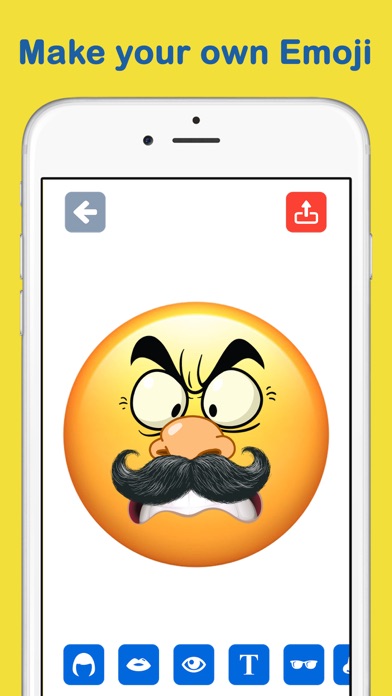
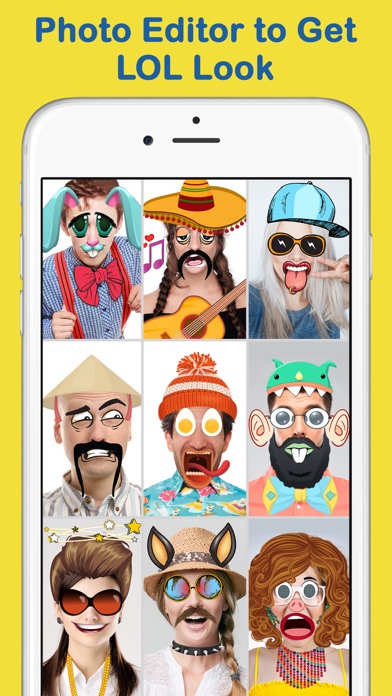
Toon Blitz is a two-in-one companion for your chats and social feeds: a custom emoji maker and a photo sticker studio in a single app. Build an emoji that actually looks like you — or like nobody on Earth — from eyes, lips, hairstyles, hats, glasses, beards, mustaches and props, then unleash it in your conversations.
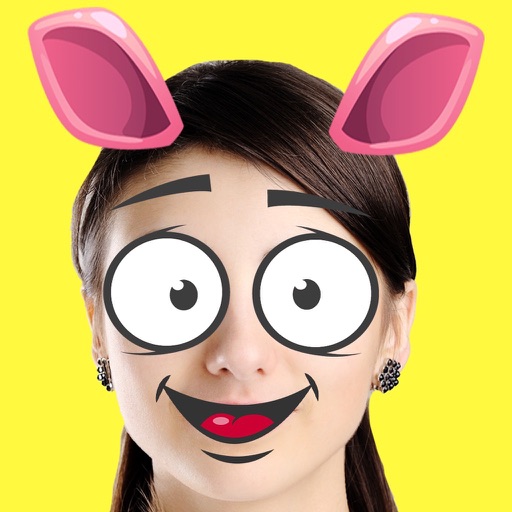
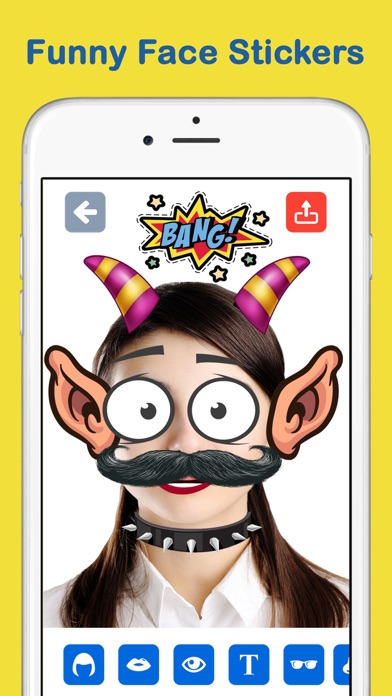
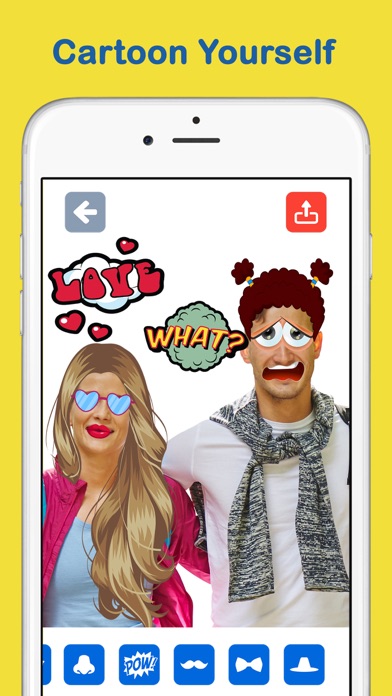
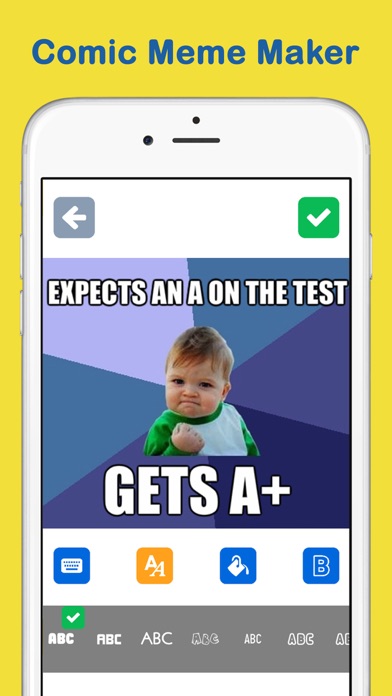
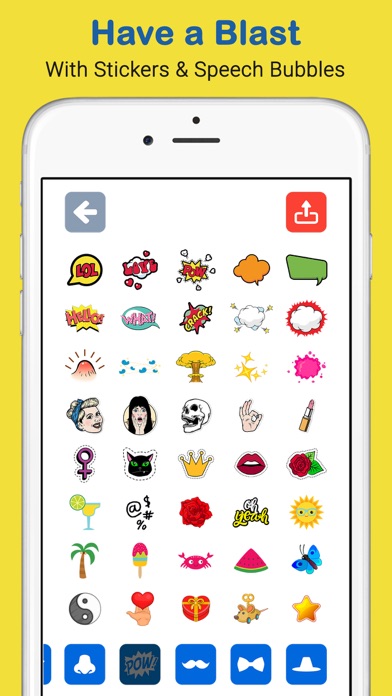
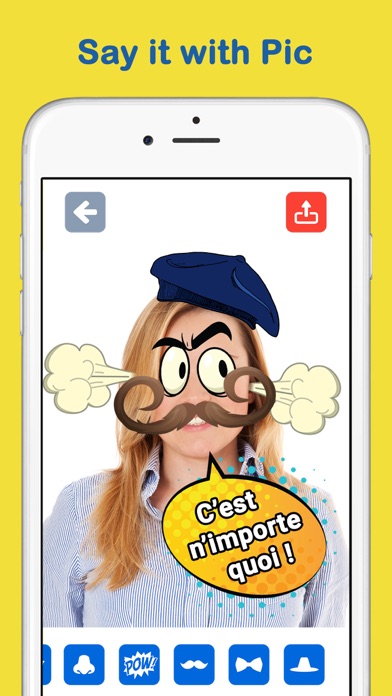
On the photo side, layer stickers, props and text onto any picture to turn yourself into a cartoon, comic character or full-blown meme. Every element can be rotated, moved and zoomed independently, and text comes in a range of colors and fonts, so your captions land exactly where — and how — you want. Finished creations are stored in the app, building a personal collection you can reuse anytime.
For meme lovers, group-chat comedians and anyone who wants to be the king or queen of their chats, Toon Blitz keeps the punchlines coming.
Key features
Custom emoji maker
Build your own emoji from scratch with eyes, lips, hairstyles, hats, glasses, beards, mustaches and props.
Stickers, props and text on photos
Turn any photo into a cartoon, comic or meme by layering stickers and captions on top.
Full control over every element
Rotate, move and zoom each sticker, and style your text with different colors and fonts.
Your own collection, ready to share
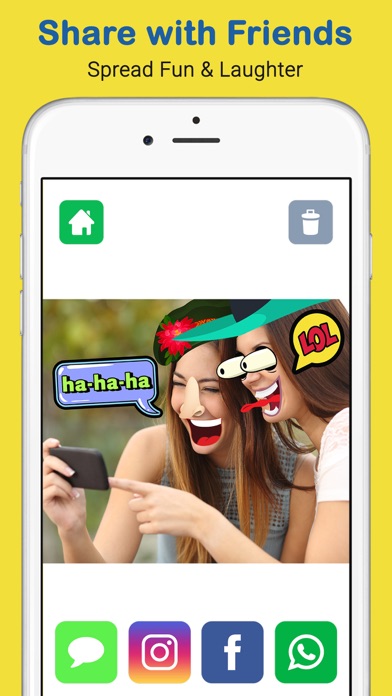
Emojis and photos are stored in the app for later use, and share in one tap to Instagram, Twitter, Facebook, iMessage or email.
How to use Toon Blitz
Download Toon Blitz from the App Store
Epic Photo Stickers Toon Blitz is free to download and works on iPhone and iPad running iOS 9.0 or later.
Pick a photo or start an emoji
Choose a photo to decorate, or jump into the emoji maker to build a custom emoji from scratch.
Add stickers, props and text
Layer on eyes, hats, glasses, beards and props, then rotate, move and zoom each piece and add styled text.
Save and share your creation
Keep it in your in-app collection, save it to your camera roll, or share it straight to your chats and social media.
Frequently asked questions
What can I actually make with Toon Blitz?
Two things, in one app. You can build custom emojis from parts — eyes, lips, hairstyles, hats, glasses, beards, mustaches and props — and you can decorate photos with stickers, props and styled text to turn yourself into an emoji, cartoon or funny meme. Both are built for sharing in chats and on social media.
Is Toon Blitz free to use?
Epic Photo Stickers Toon Blitz is free to download from the App Store. You can start making emojis and sticker photos right away; some premium features may be offered inside the app.
Does Toon Blitz work offline?
Yes. Emoji building and photo decorating happen on your device, so no internet connection is needed to create. You'll only need to be online when sharing to social platforms.
Which devices does Toon Blitz support?
Epic Photo Stickers Toon Blitz runs on iPhone and iPad with iOS 9.0 or later. An Android version is planned — check back on this page for the Google Play link.
Can I adjust stickers after placing them?
Yes. Every sticker and text element can be rotated, moved and zoomed independently, so you can position each hat, mustache or caption exactly where it belongs. Text can be styled with different colors and fonts.
Where do my emojis and photos go after I make them?
They're stored inside the app, so you build up a personal collection you can reuse anytime. You can also save creations to your camera roll or share them directly via Instagram, Twitter, Facebook, iMessage or email.
Get Toon Blitz today
Free to download — join the users who already love it.