

Volume Booster Volumor
That video is too quiet? Fix it in one tap — Volumor makes your audio and video files louder, properly, and gives you a new boosted file back.
Screenshots
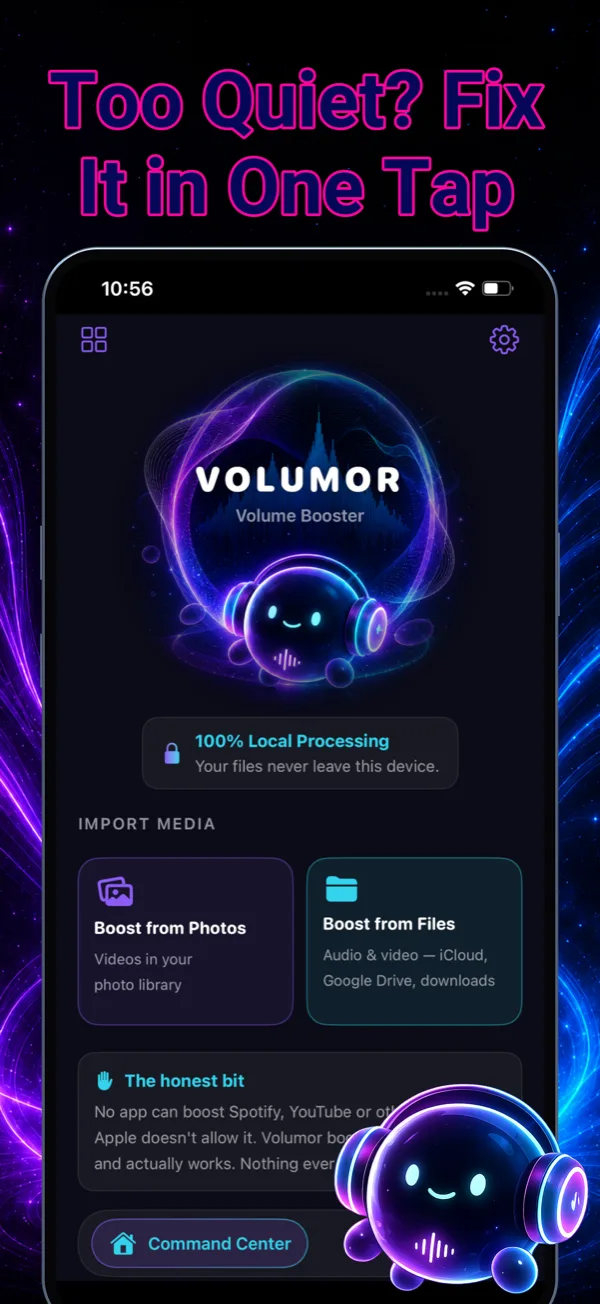
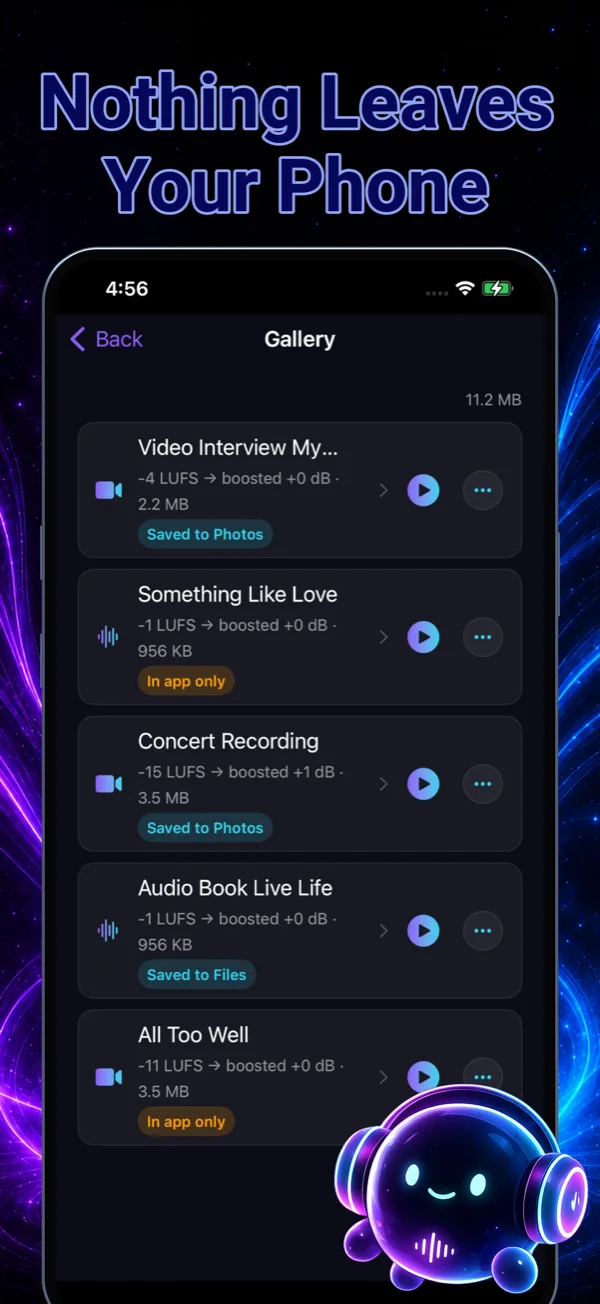
About Volumor
Volumor is a volume booster that actually works — because it boosts the thing you can boost: your own files. That video that recorded too quiet, the lecture you can barely hear, the WhatsApp voice note you keep replaying at max volume — pick the file (or share it straight from Photos, Files or Voice Memos), see how quiet it really is, choose how loud you want it, and export a new, boosted copy. Done in seconds.
Under the hood, Volumor does smart loudness, not just gain. It measures your file’s real loudness in LUFS before touching it, then offers Auto, Louder and Max Safe targets driven by a true-peak limiter — more volume without distortion or clipping. Speech recording? Flip on voice-clarity mode for a gentle cleanup. Boosting a video? Only the audio track is changed, so the picture keeps its original quality. And everything runs on your device: your files never leave your phone.
One honest note: no app can boost the sound of Spotify, YouTube or other apps — iOS doesn’t allow it, and we won’t pretend otherwise. Volumor is for the files you own, and for those it delivers. Stop replaying quiet files at max volume — Volumor is out now on the App Store, free to download.
Key features
Boost any file you own
Quiet videos, voice memos, lecture recordings, WhatsApp and Telegram voice notes, MP3s, podcasts and audiobook files — pick a file or share it straight from Photos, Files or Voice Memos.
Smart loudness, not just gain
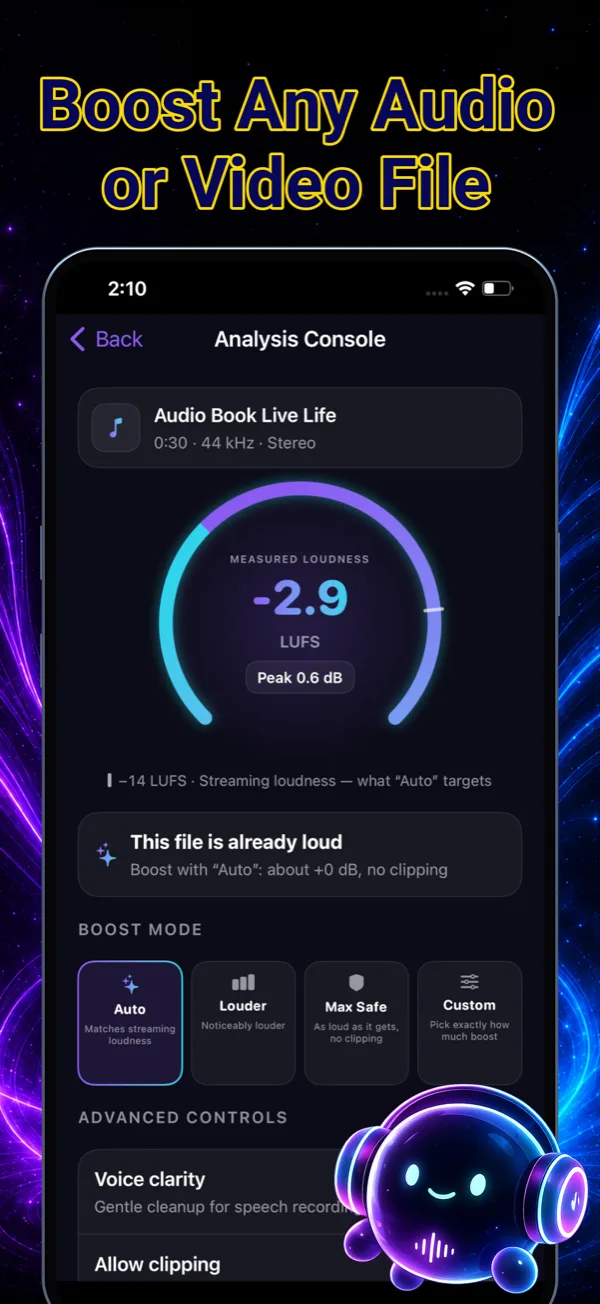
Volumor measures your file's real loudness (LUFS) before boosting, so you see exactly how quiet it is and how much louder it can safely get.
No distortion, no clipping
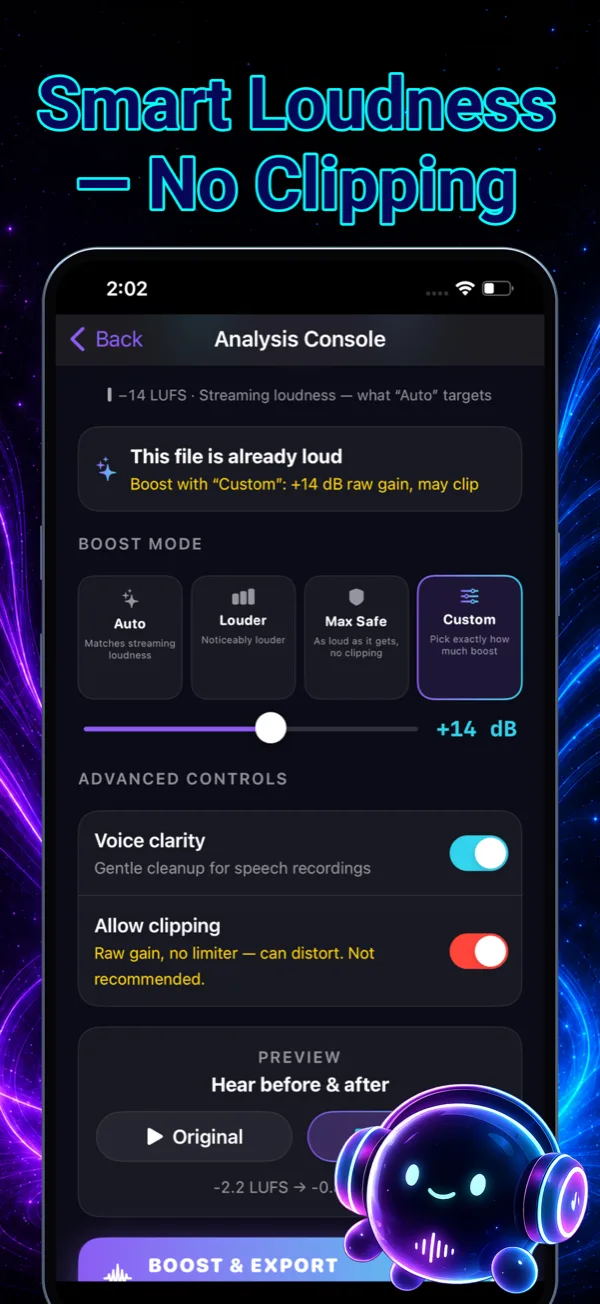
Auto, Louder and Max Safe targets use a true-peak limiter for more volume without distortion — plus an optional voice-clarity mode for speech recordings.
Videos keep their picture quality
Only the audio track is changed. Your video's resolution and image quality stay exactly as they were, and your originals are never touched.
Private and fast
Everything is processed on your device and never leaves your phone. A typical one-minute video is done in seconds.
How to use Volumor
Pick a quiet file
Choose a video or audio file from Photos or Files — or share it straight into Volumor from Photos, Files or Voice Memos.
See how quiet it really is
Volumor measures the file's true loudness in LUFS and shows how far it sits below streaming loudness, so you know exactly what you're working with.
Choose how loud you want it
Tap Auto to match streaming loudness, Louder for a noticeable lift, Max Safe for as loud as it gets without clipping, or Custom for an exact dB boost. Preview before and after.
Boost and export
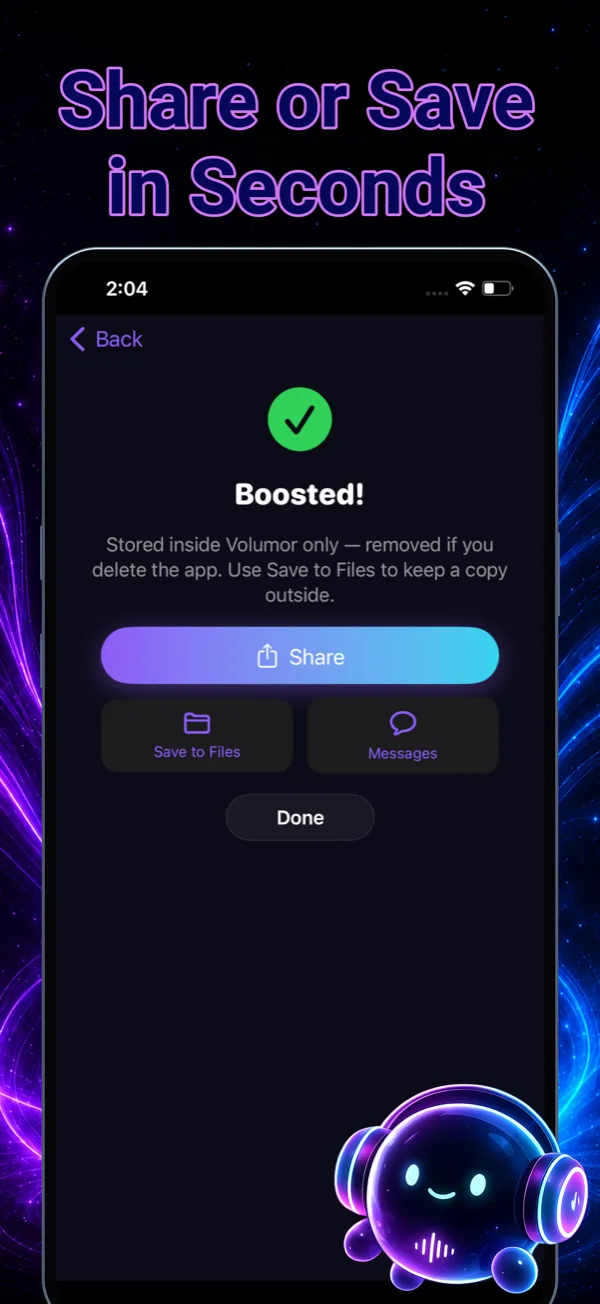
Volumor renders a new, louder copy in seconds and saves it to Photos or Files — your original file stays untouched.
Frequently asked questions
What does Volumor actually do?
Volumor takes an audio or video file that plays too quietly, measures its real loudness (LUFS), boosts it to the target you choose, and exports a new, louder copy. A true-peak limiter keeps the result clean, so you get real volume — not distortion.
Can it make Spotify, YouTube or other apps louder?
No — and no app can. iOS does not allow one app to boost the sound of another, and we won't pretend otherwise. Volumor boosts the files you own — your videos, recordings and music files — and for those it genuinely works.
Will boosting distort or clip my audio?
Not with the default modes. Auto, Louder and Max Safe all run through a true-peak limiter that raises volume as far as it can safely go without clipping. There's also an optional raw-gain mode for when you want maximum loudness at any cost — clearly marked as not recommended.
What kinds of files can I boost?
Videos that recorded too quiet, voice memos and lecture recordings, WhatsApp and Telegram voice notes, MP3s, podcasts and audiobook files, and clips you're about to post. If it's an audio or video file on your phone, Volumor can measure it and boost it.
Does boosting a video reduce its quality?
No. Volumor changes only the audio track — the picture is left completely untouched, so your video keeps its original resolution and quality. And because Volumor exports a new copy, your original file is never modified.
Is my audio uploaded anywhere?
Never. All processing happens on your device — your files never leave your phone. That's also why it's fast: a typical one-minute video is boosted in seconds.
Is Volumor free?
Yes — Volumor is free to download and use. An optional Volumor Pro subscription unlocks boosting files of any length, without daily limits, ad-free.
What do I need to run Volumor?
An iPhone or iPad running iOS 17.0 or later, and about 40 MB of space. Volumor is out now on the App Store, free to download — and because everything is processed on your device, there's no account to create and nothing to upload.
Get Volumor today
Free to download — join the users who already love it.